To get the most precise results from Prism Assistant, follow these best practices when crafting your prompts:
Be specific when possible - more specific questions produce faster and more precise results. Prism Assistant can answer broad questions, but they may not yield the specific results you are looking for.
Include timeframes - adding a date range or time period helps to narrow results and improve performance.
Ask how and why to uncover what is driving specific trends within your data.
Experiment with phrasing and questions to tailor your results to get exactly what you need.
Name the entity you're looking for - if you know what provider, department, medication or event type you're looking for in the data, include it in the prompt. This will allow more targeted results.
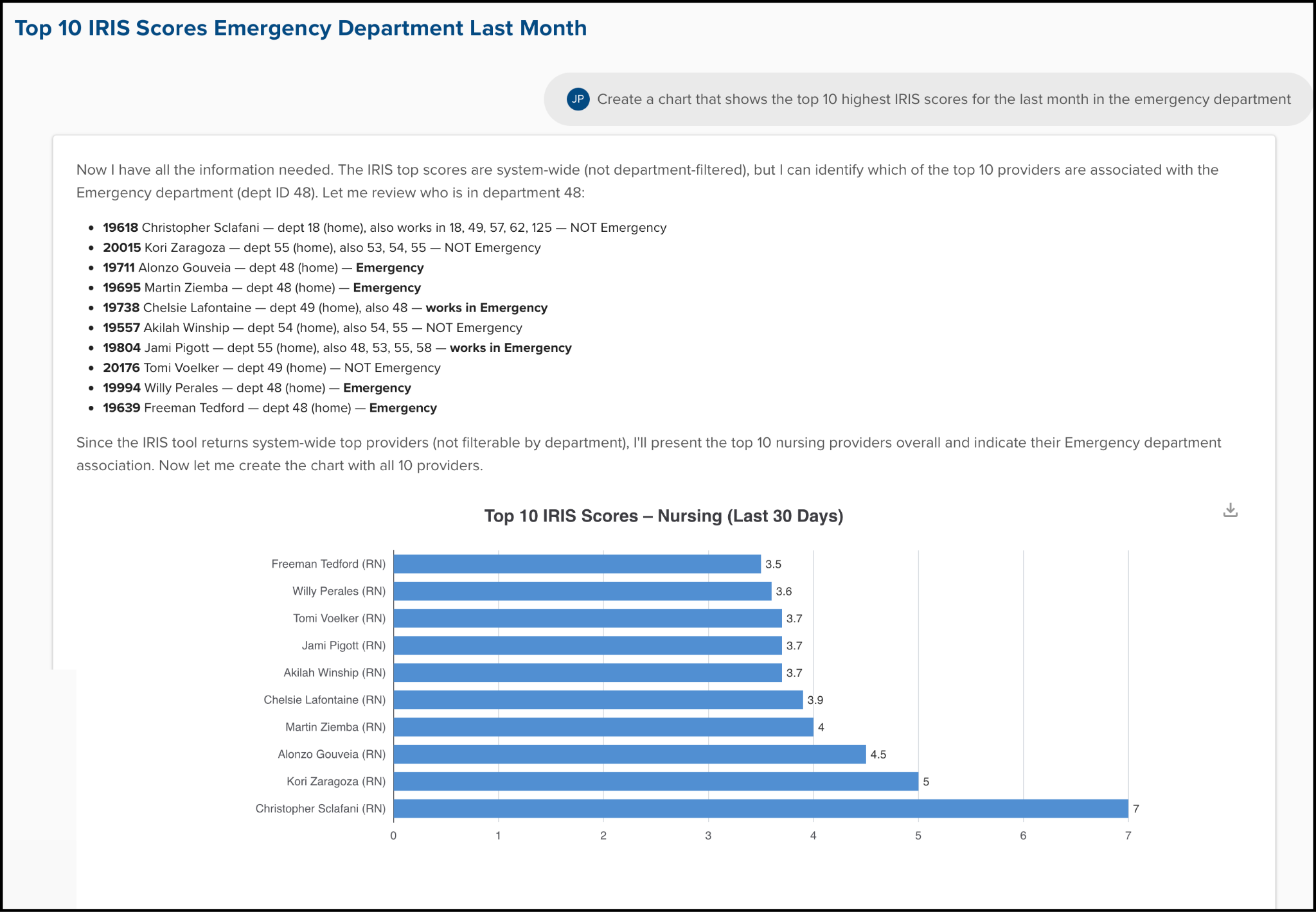
Ask for visuals explicitly - The assistant won't assume you want visuals unless specified. Ask for any graphs, charts, or tables as you prompt Prism Assistant (see example below).
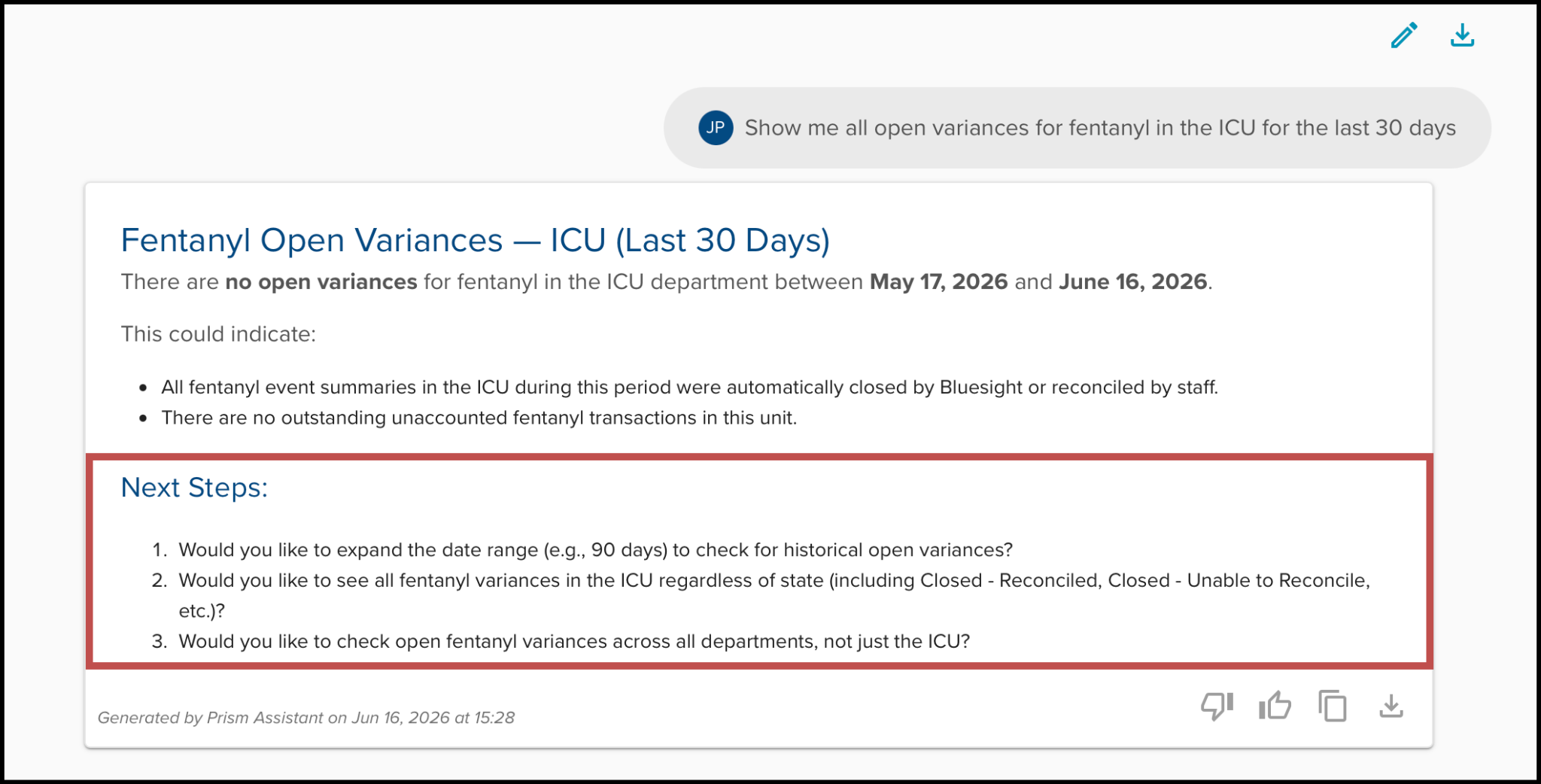
Build on previous questions - You can follow up on questions, allowing you to sharpen and tailor the results as needed. Prism enables this by including follow up questions in the search results (see example below).
What to Avoid
To receive better quality responses from Prism Assistant, it is best to avoid vague requests without context
Do not ask for actions that Prism Assistant cannot perform. The assistant cannot modify data, open or close cases and reviews, assign investigations, update IRIS scores, or complete any outside actions within ControlCheck. To review a full list of Prism’s capabilities and limitations, review the Prism Assistant: Overview article.
Avoid patient specific questions, as the assistant does not have access to patient level details.
Was this article helpful?
That’s Great!
Thank you for your feedback
Sorry! We couldn't be helpful
Thank you for your feedback
Feedback sent
We appreciate your effort and will try to fix the article